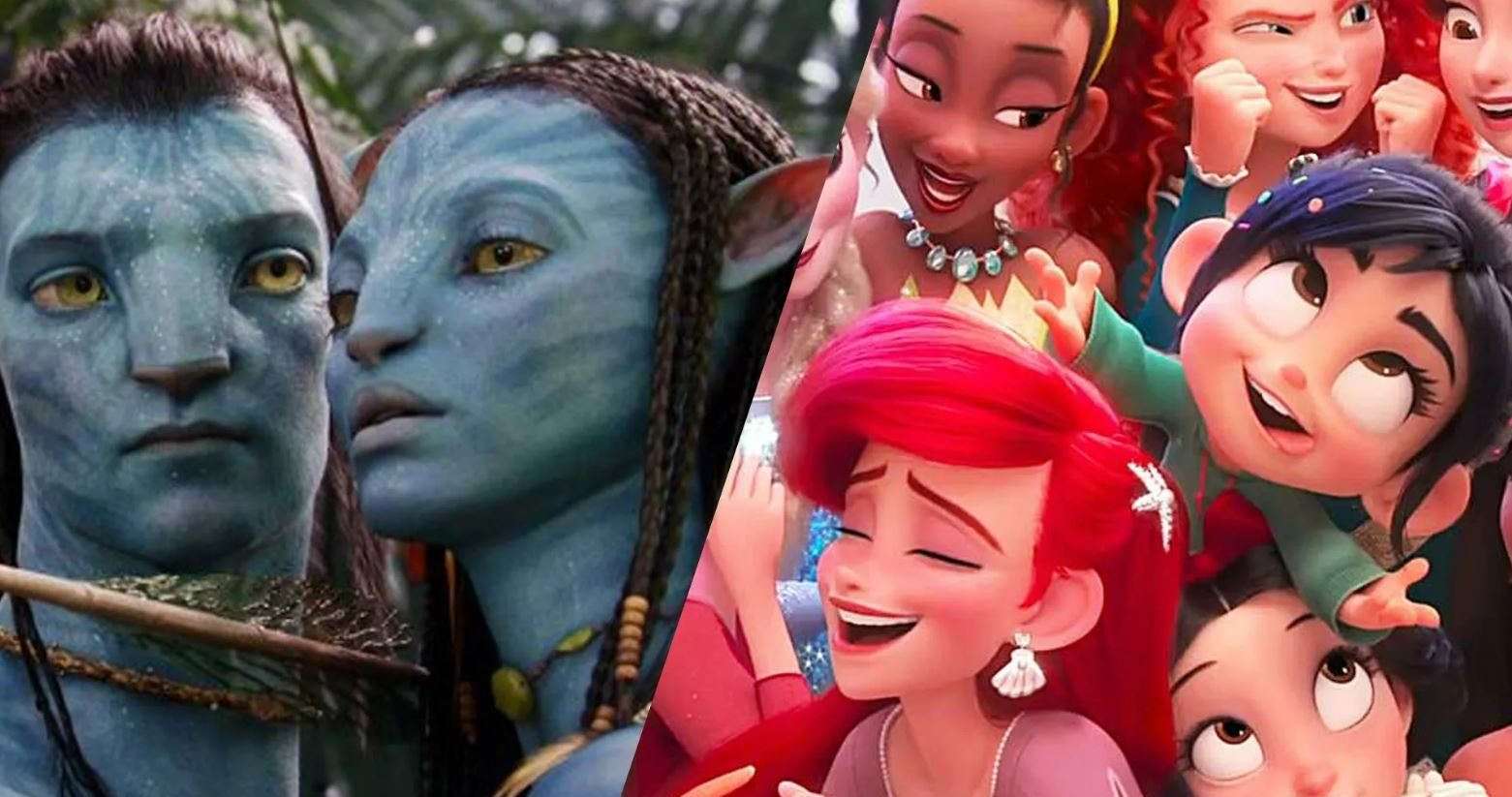
Animation Cost Calculator: How Much Is Animation Gonna Cost You?
Ever wondered, “How much would it cost to bring my animation idea to life?” You’re not the only one. Whether you’re a business owner, a freelancer, or just someone curious, animation costs can feel like a mystery. That’s where an animation cost calculator helps; it gives you a ballpark estimate fast.
The truth is, pricing isn’t one-size-fits-all. It depends on style, length, complexity, and even where your team’s based. In this guide, we’ll break down what really affects costs, how calculators work, and how to use them to budget smarter for your next project.
With one, you can:
- See how much 30 seconds vs. 2 minutes will actually cost.
- Play around with styles (2D vs. 3D vs. motion graphics).
- Avoid the awkward moment where you ask for Pixar-level animation on a shoestring budget.
What Makes Animation Expensive (or Cheap)?
Before you even open an animation cost calculator, it helps to know what makes the price go up or down. Animation isn’t priced randomly; it’s shaped by choices you make about style, length, and complexity. Let’s dive in.

Animation Style
This is usually the first big factor calculators ask about.
- 2D Animation: Think explainer videos, cartoons, or ads with simple characters. It’s more affordable because it doesn’t need heavy rendering. Perfect if you want a clear, fun story without blowing the budget.
- 3D Animation: Way more complex. You’re dealing with modeling, rigging, texturing, lighting, and rendering. That’s why product demos, character animations, or cinematic shots cost a lot more.
- Motion Graphics: Sleek, clean animations with text, shapes, and icons. Businesses love this style for presentations and ads. Cost usually lands between 2D and 3D.
- Stop Motion /Other Niche Styles: Super cool but very labor-heavy. Every frame requires manual adjustment, so please expect higher prices.
Length of the Video
Time = money in animation. A 30-second ad might be a few thousand dollars, but stretch that into 3 – 5 minutes and costs can multiply quickly. Most calculators will ask you to enter the video length in seconds or minutes so they can scale the estimate.
>>> Read more: Is 3D Animation Cheap? Let’s Talk About It
Complexity of the Project
Not all animations are created equal.
- Basic: Text sliding in, icons moving around. Quick, simple, and cheap.
- Medium: A character walking, a product demo with smooth transitions.
- Advanced: Imagine a 3D character fighting a dragon, with fire, smoke, and explosions. That’s hours (or days) of extra work, meaning premium pricing.
Number of Characters and Assets
Every new character, background, or prop adds hours of design and animation. A single talking character in a simple background costs way less than a crowded city scene with vehicles, people, and moving parts. Calculators factor this in by asking how many “elements” you want.

>>> Read more: Cheap 3D Animation Studios in Asia: 5 Best Choices for Quality on a Budget
Voiceover and Sound
Audio makes a huge difference. Some projects only need background music, but if you want a professional narrator, sound effects, or multiple languages, that can raise costs. A top-notch voice actor might charge anywhere from $200 to $1,000, depending on usage and length.
Team Experience & Location
Where your animation team is based has a massive impact.
- Freelancers in Southeast Asia or Eastern Europe might charge $20 – $50 per hour.
- Mid-tier studios in places like Canada or the UK could be $60 – $120 per hour.
- High-end U.S. studios? You’re looking at $100 – $300 per hour.
Same type of work, but the rates change drastically depending on geography and expertise. That’s why most calculators ask where your team is located or what level of experience you’re looking for.
>>> Read more: Choosing the Best 3D Animation Studio – Tips
Rough Animation Cost Breakdown
Here’s a quick cheat sheet for you:
| Animation Type | Cost Per Minute (Average) | Vibe |
| Simple 2D Explainer | $1,000 – $5,000 | Perfect for startups |
| Advanced 2D (Characters) | $5,000 – $10,000 | More polish & detail |
| 3D Basic | $7,000 – $20,000 | Product demos, simple shots |
| 3D High-End | $20,000 – $50,000+ | Cinematic stuff, VFX |
| Motion Graphics | $3,000 – $7,000 | Sleek, modern, businessy |
These numbers are what most calculators use as a baseline.
Hacks to Save Money on Animation
Animation can get pricey fast, but the good news is, you don’t always need to spend Hollywood-level money to get something polished and effective. Here are some smart ways to stretch your budget while still ending up with a video you’ll love:

Keep It Short
You’d be surprised how much you can say in 30 – 60 seconds. Many people assume longer = better, but in reality, viewers drop off after the first minute. A 2-minute animation could double or triple your costs compared to a 30-second version without giving you double the impact.
Example: A startup ad explaining an app usually works better at 45 seconds than at 2 minutes. Shorter = cheaper + punchier.
Simplify the Design
Every detail in animation takes time. A highly detailed cityscape with dozens of moving parts requires far more work than a minimal background with clean, simple lines. Choosing a flat 2D style instead of a textured 3D style can save thousands.
Example: If you’re making an explainer video, you don’t need Pixar-level shading; simple characters and bold colors get the message across.
Use Stock Assets
There’s no shame in mixing custom animation with pre-built icons, music, or sound effects. Many animators rely on libraries of stock assets to save time, and most viewers won’t notice. Stock backgrounds, transitions, and effects can cut hours of work (and hundreds of dollars) off your bill.

Example: Instead of custom-animating every sound effect, buy a sound pack for $30 and you’re set.
Hire Globally
Where your team is based can change costs dramatically. A U.S. animator might charge $150 per hour, while someone equally skilled in India, Vietnam, or Eastern Europe might charge $30–$50 per hour. Outsourcing doesn’t mean lower quality; it just means you’re tapping into different markets.
Pro tip: Always check reviews and portfolios. Cheap is great, but reliable and experienced is better.
Plan Properly (and Limit Revisions)
Here’s a hidden budget killer: revisions. Every time you change your mind after production starts, the animator has to redo work, and you pay for those hours. To avoid that, plan out your script, storyboard, and style references before the project begins. The clearer your vision, the smoother (and cheaper) the process.
Example: Deciding halfway through that you want a different color palette could mean re-rendering everything. That’s hours of work = $$$.
Wrapping It Up
An animation cost calculator won’t replace a full-on studio quote, but it’s an awesome starting point. It shows you what’s possible within your budget and helps you set expectations before you dive in.
At the end of the day, your costs will depend on style, length, complexity, and who you hire. But hey; better to know upfront than get hit with a surprise $20,000 invoice later.
So next time you’re wondering, “How much would this animation set me back?” don’t guess. Use a calculator, tweak the settings, and start planning smart.
–
Animost – Vietnam 3D Animation Studio


hello@animost.com

More from the stage
Sep 26, 2025Are Mocap Suits Heavy? Everything You Need to Know
Wondering are mocap suits heavy? Modern motion capture suits are lightweight, flexible, and easy to wear. Read more!
Is 3D Animation Cheap? Let’s Talk About It
Is 3D animation cheap? Discover what affects the cost, how to find affordable options, and tips to save money without losing quality.
Start a project
Tell us what you need made.
Send us the details and we will come back within one business day with a scope and a price.
Start a project