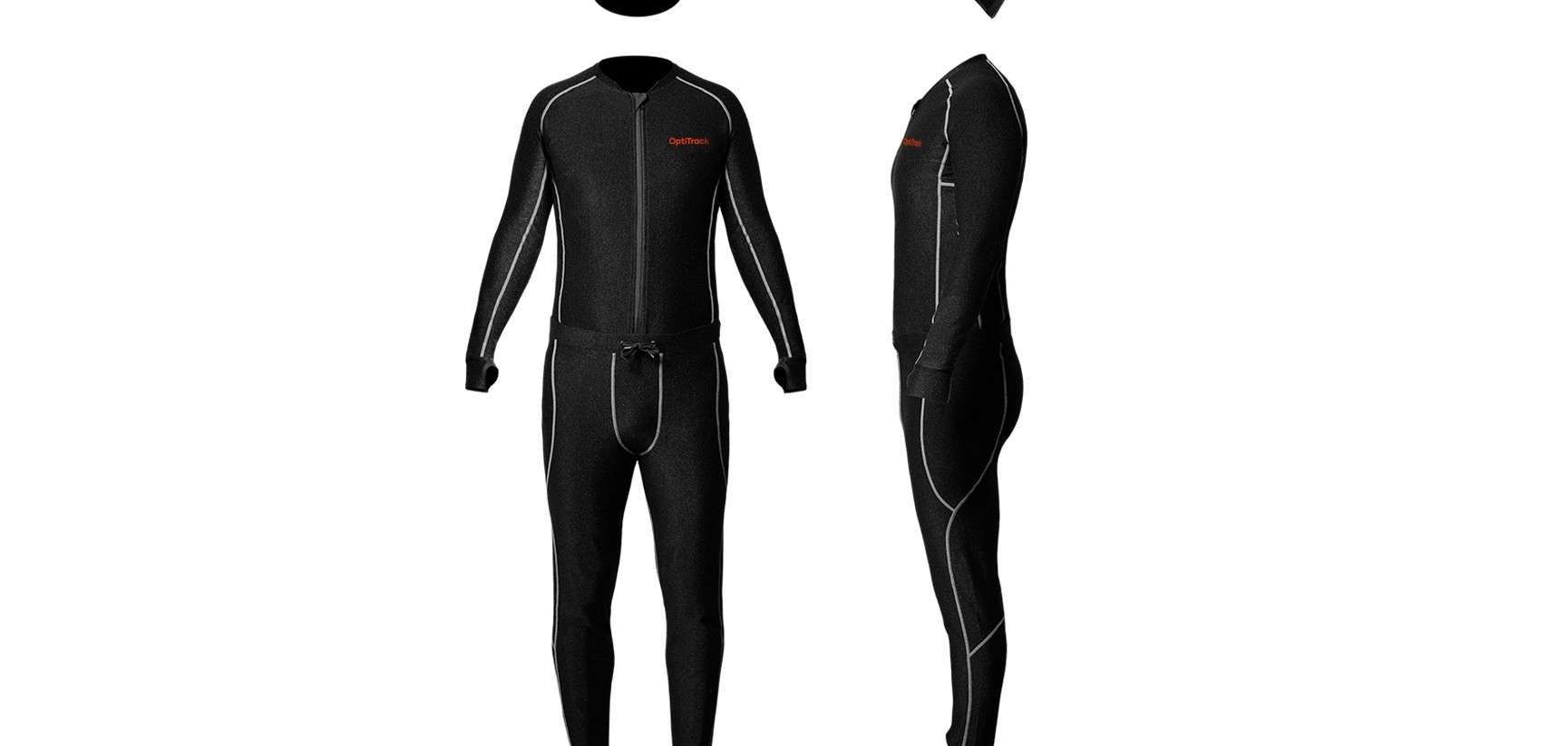
Motion Capture Suit Price: What You Need to Know Before Buying
We’re diving deep into motion capture suit price, what’s worth your money, and what you should consider before making a purchase. Whether you’re a solo creator, a small studio, or a hobbyist dreaming big, this guide is made for you.
There are a few different motion capture suit types:
- Optical suits (used with external cameras, like in big Hollywood studios)
- Inertial suits (use built-in sensors, more portable and affordable)
- Hybrid suits (combine both techs for higher accuracy)
In this article, we’re mainly focusing on inertial mocap suits; they’re what most indie creators, small studios, and even YouTubers go for.
Motion Capture Suit Price
Here’s the short answer: Motion capture suit prices typically range from $750 to $15,000+.

Crazy range, right? But don’t worry; we’ll break it down by brand and use case. Below is a table to give you a glance at the current price ranges:
| Brand | Price Range (USD) | Type | Notes |
| Rokoko Smartsuit Pro II | $2,745 – $3,495 | Inertial | Great for indie creators, easy to use |
| Xsens MVN Awinda / Link | $5,000 – $13,000+ | Inertial | Industry-grade, high accuracy |
| Perception Neuron 3 | $750 – $1,599 | Inertial | Budget-friendly, modular options |
| Noitom Hi5 VR Glove | ~$1,000+ (hands only) | Inertial | Add-on for full hand tracking |
| Qualisys / Vicon | $50,000+ (full setup) | Optical | Studio-scale, not for home use |
Let’s dig into each of these so you know what you’re paying for.
Rokoko Smartsuit Pro II – Affordable & Creator-Friendly
If you’re a solo animator or small studio, Rokoko’s Smartsuit Pro II is a popular choice. It starts at around $2,745 (for the suit only) and goes up to $3,495 if you include the Smartgloves for finger tracking.
Why it’s popular:
- Easy to set up (no need for external cameras)
- Real-time streaming to tools like Unreal Engine, Unity, Blender
- Works indoors and outdoors
- Great community and support
However, you’ll need to pay extra for full access to Rokoko Studio’s features (around $40/month). And while it’s very good, it may not be as accurate as Xsens when it comes to subtle finger and foot motions.

>>> Read more: Motion Capture Suit Comparison: Find the Best Fit for Your Next Big Project
Xsens – Pro-Level Performance for Bigger Budgets
Now, if you’re aiming for AAA-level motion capture, Xsens is your go-to. They offer two main systems:
- MVN Awinda: wireless sensors strapped onto the outside of clothes
- MVN Link: sensors embedded in a Lycra suit
Prices start around $5,000 but can reach $13,000+ with software licenses and extras like gloves or head rigs.
What makes Xsens stand out:
- High precision even in challenging environments
- Robust tools for data cleanup
- Trusted by Netflix, EA, and game studios around the world
If you’re producing commercial-quality animation, it’s a great investment. But if you’re still learning or working on low-budget projects, it might be overkill.
>>> Read more: Inertial Motion Capture Suits: Motion Tracking Without Cameras
Perception Neuron – Best for Tight Budgets
On a budget but still want something decent? Check out Perception Neuron 3 from Noitom. It’s modular, compact, and surprisingly capable for its price. The basic set starts at $750, and the full-body kit goes up to around $1,599.

What’s cool:
- You can start small and upgrade later
- Small and lightweight sensors
- Good enough for indie game dev, research, or VTubing
Downsides? The software UI can be a bit clunky, and data cleanup might take more effort compared to pricier systems. But you get what you pay for, and in this case, it’s still pretty solid.
>>> Read more: How Does a Motion Capture Suit Work? Exploring Motion Capture Tech
Add-ons: Gloves, Face Capture & More
Okay, so you’ve got your mocap suit. But what if you want to capture hand gestures or facial expressions?
Here’s what you’ll be looking at:
| Add-on | Approx. Price | Brands |
| Motion Capture Gloves | $995 – $3,000 | Rokoko, Manus, Xsens |
| Face Capture (iPhone or head-mounted camera) | $50 – $3,000 | Faceware, iPhone ARKit, Dynamixyz |
For casual creators, using an iPhone for face capture (with ARKit and apps like FaceCap or Live Link Face) is super effective and budget-friendly. But if you’re working on detailed acting performances, a head-mounted camera rig might be worth the splurge.
Other Costs You Should Know About
When calculating motion capture suit price, it’s not just about the hardware. Here are some additional costs that sneak up on people:
- Software license fees (e.g., Rokoko Studio Pro, Xsens MVN Animate)
- Export plugins for Maya, Blender, or Unreal Engine
- Data cleanup tools (some suits produce “noisy” motion data)
- Shipping & import taxes if you’re ordering internationally
- PC or laptop powerful enough to handle live mocap streaming
Make sure to budget an extra $500 – $2,000 depending on your setup and needs.
Renting vs. Buying a Mocap Suit
Not ready to spend thousands just yet? We get it.
Some studios or services let you rent motion capture suits for short-term projects. Rates can vary from $300 to $1,000 per week, depending on the system and location.

This can be a smart move if:
- You only need it for a one-off project
- You want to test it before buying
- You’re working with actors for a short shoot
Look into local mocap studios or online platforms like Kitsplit or ShareGrid to find rental options.
Which Motion Capture Suit Is Best for You?
Here’s a quick decision guide:
| Your Situation | Best Mocap Suit | Estimated Price |
| Solo creator on a budget | Perception Neuron 3 | $750 – $1,500 |
| Indie game or animation studio | Rokoko Smartsuit Pro II | $2,745 – $3,495 |
| Professional or commercial use | Xsens MVN | $5,000 – $13,000 |
| Just testing the waters | Rent or use iPhone ARKit | $0 – $500 |
At the end of the day, the best mocap suit for you is the one that fits your workflow, budget, and ambitions.
Tips Before You Buy
To make sure you get the most out of your mocap investment, here’s what we recommend:
- Check compatibility with your software (e.g., Unreal Engine, Unity, Blender)
- Try a demo if possible. Many brands offer virtual walkthroughs
- Join creator communities like Reddit’s r/animation or Discord groups to ask for feedback
- Watch comparison videos on YouTube (there are tons!)
- Don’t forget support: Good customer service can save you hours of frustration
Final Thoughts: Is a Motion Capture Suit Worth the Price?
If you’re serious about animation, filmmaking, or game development, investing in a mocap suit can massively speed up your workflow and improve your results. It’s not just a toy but a professional tool that unlocks real creative freedom.
That said, don’t feel pressured to buy the most expensive one. The tech has evolved enough that even sub-$1,000 options can produce great results with a bit of patience and polishing.
So go ahead, figure out what works best for your budget and goals. Whether you’re just getting started or levelling up your production game, there’s a mocap suit out there that fits your style.
–
Animost – Vietnam 3D Animation Studio


hello@animost.com

More from the stage
Sep 23, 2026Next-Level AI Facial Mocap: The Ultimate Guide to Reallusion AccuFACE 2
When Reallusion released the original AccuFACE plugin for iClone, it changed the game by offering simple, webcam-based AI facial tracking without the bulky gear. Now, AccuFACE…
Remembering Tim Curry: Celebrating the Unforgettable Legacy of a True Acting Legend
Legendary actor Tim Curry passed away at age 80. Explore his incredible life, iconic movie characters, and legendary voice-acting roles.
Start a project
Tell us what you need made.
Send us the details and we will come back within one business day with a scope and a price.
Start a project